
Trusted by 5,000+ freelancers, founders & finance teams
Know exactly where every dollar goes
Tag turns messy spending into clear, searchable categories; so you can make better financial decisions without the spreadsheet headache.
KEEPING RECORDS FOR






SPOTLIGHT
You check your bank statement and wonder where it all went
Most people know they're overspending. They just don't know where. Tag makes the invisible visible in real time, without you lifting a finger.


"We cut $1,200 in monthly waste within two weeks of using Tag. It was all just invisible until we could actually see it."

Maignan Jeff
Co-founder
Fieldwork Studio

FEATURES
Each tag shows you what to fix, fast


BEFORE & AFTER
What changes when you Tag everything
Without Tag
Scrolling bank statements for answers
Discovering overspending too late
Manual spreadsheets that go stale
No idea what's tax-deductible
Guessing at end-of-month numbers
With Tag
Every expense sorted the moment it lands
Real-time alerts before limits are hit
One live view of all your spending
Business tags ready for tax season
Confident clarity on every decision
Tag is free. No subscription needed
WHAT'S INSIDE
A lens for every corner of your finances
Each stack groups related tags into a complete picture of one area of your spending. Together, they cover your entire financial life.
Daily Spending
Food, transport, subscriptions

Business Expenses
Tools, contractors, travel
Recurring Bills
Rent, utilities, insurance
Tax-Deductible
Auto-flagged for year-end
Savings & Goals
Targets, milestones, surplus
One-off Purchases
Big spends, anomalies
REVIEWS
What others say
It's embarrassing how much I was spending on things I didn't even know I had. Tag made it impossible to ignore.
Priya N.
Freelance Consultant
Finally, a finance app that doesn't feel like homework. Set it up once and it just works.
James O.
Founder
My accountant loves me now. Tax season went from a nightmare to a one-click export.
Clara B.
Studio Owner
The budget alerts alone saved us more than the app costs. It paid for itself in week one.
Kwame A.
Operations Lead
I've tried every budgeting app. Tag is the first one I've actually kept using past month two.
Lena K.
Product Manager
Seeing all my subscriptions tagged in one place was a wake-up call. Cancelled four of them that week.
Mo D.
Designer

HOW IT WORKS
Built to be used, not admired
Connect Your Accounts
01
Link your bank, cards, or payment tools. Tag starts reading your expenses immediately; no manual entry needed.
Expenses Get Tagged Automatically
02
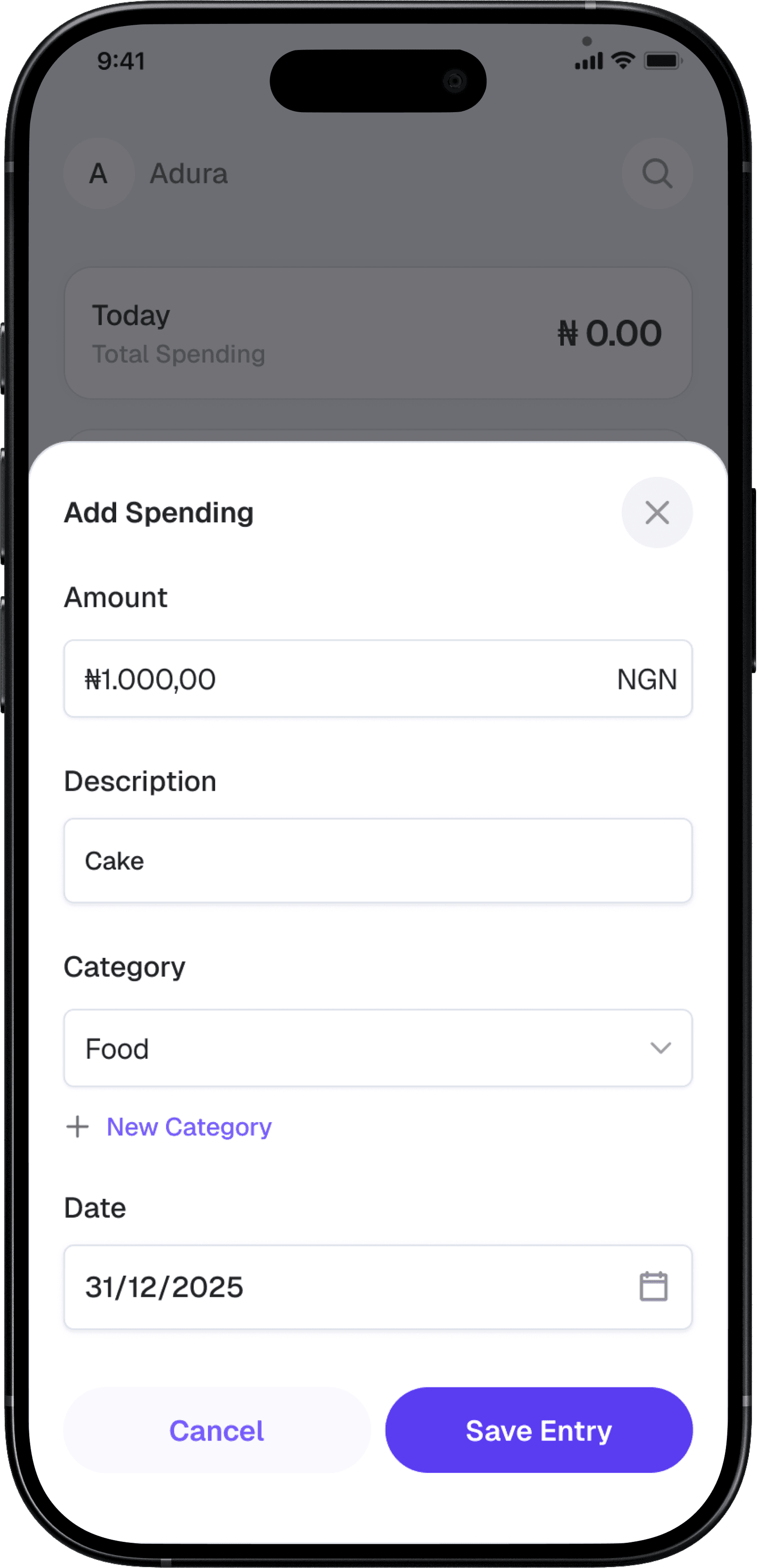
Every transaction is sorted into the right tag. You can customize, rename, or split any tag to match how you think about money.
Set Budgets Per Tag
03
Assign a monthly limit to any tag and get alerted the moment you're approaching it — before it's too late to adjust.
Review, Export, Repeat
04
Monthly summaries, export to CSV, or share with your accountant. Tag keeps a full, searchable history of everything.
FAQ
Questions?
Who is the playbook for?
Tag organizes your expenses into smart stacks — Daily Spending, Business, Recurring Bills, Tax-Deductible, Savings, and One-offs. Each stack surfaces the trends and insights that matter most for that category.
Do I need to enter expenses manually?
Will this work for my business?
Should I start before or after tax season?
Is my financial data safe?